If you have exercise equipment that you want to hire out to the public. Then follow these steps:
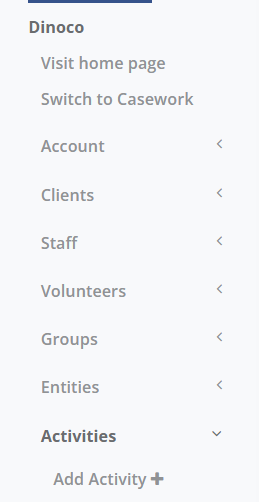
1. Go to Main Menu select Activities then Add Activity
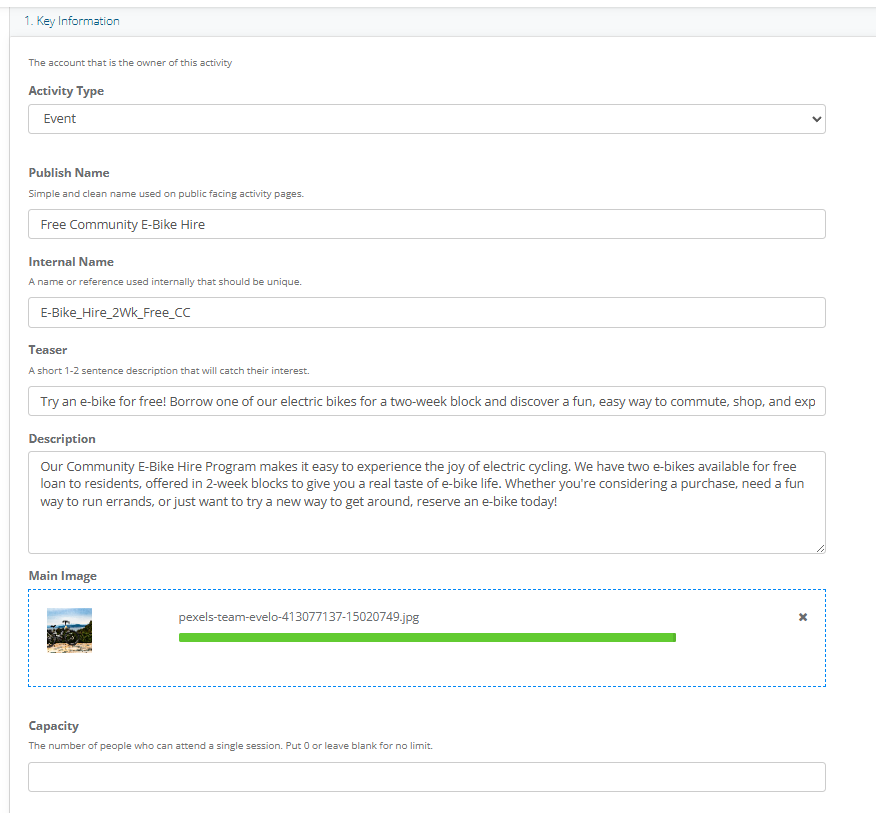
2. Enter the Key Information as shown below. Leave Capacity Blank.
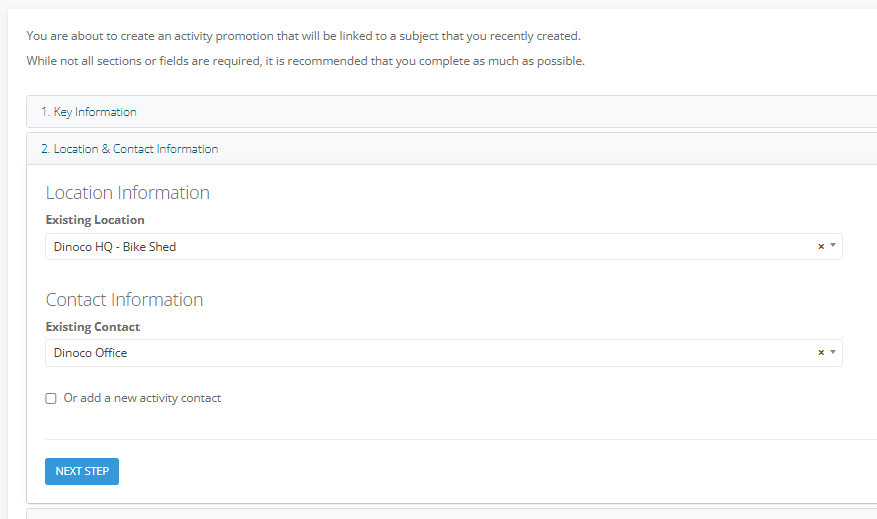
3. Enter the Location & Contact Details
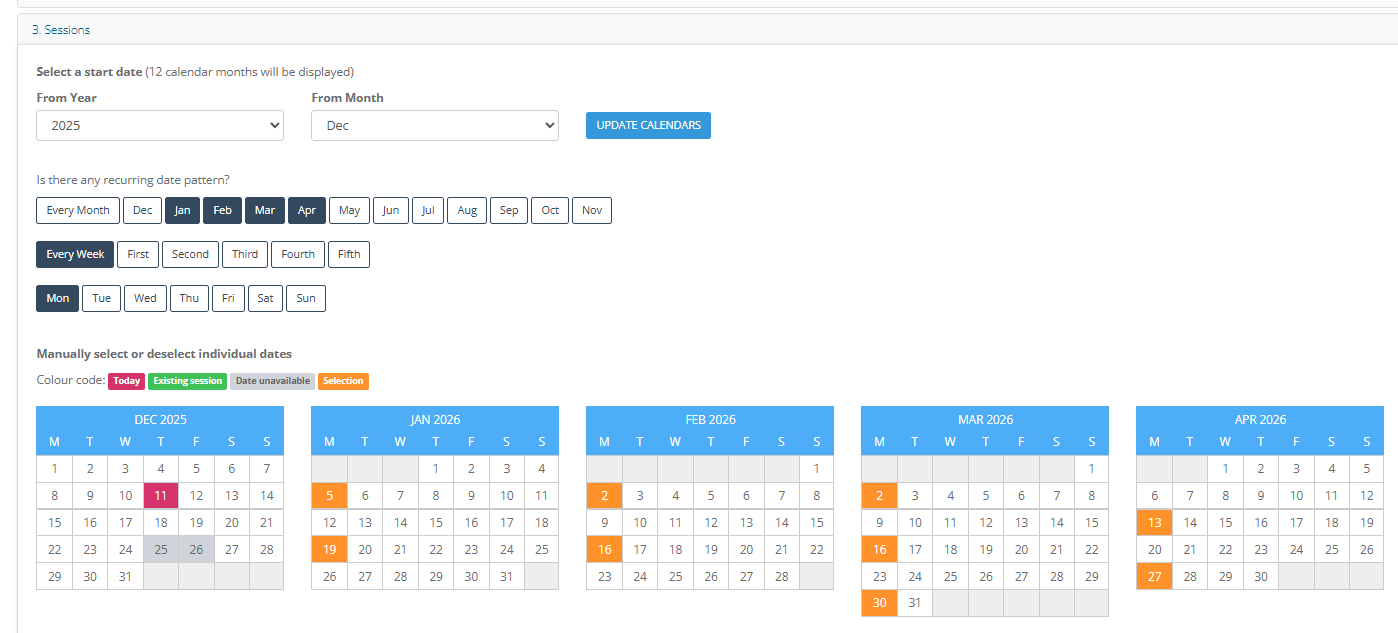
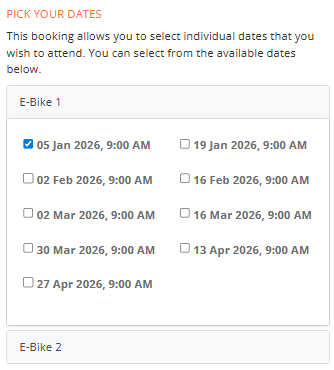
4. In Sessions, enter the session dates. I've made the sessions two weeks apart so the hirer can book the bike for two weeks.
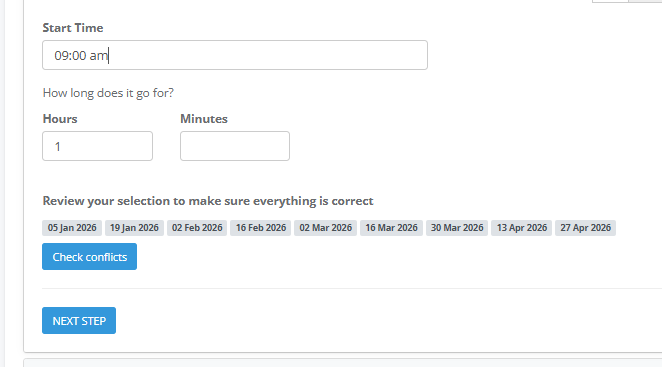
5. Enter the Start Time, leave the duration for 1 hour, this will be updated when we go to the Sessions tab once the Activity is created.
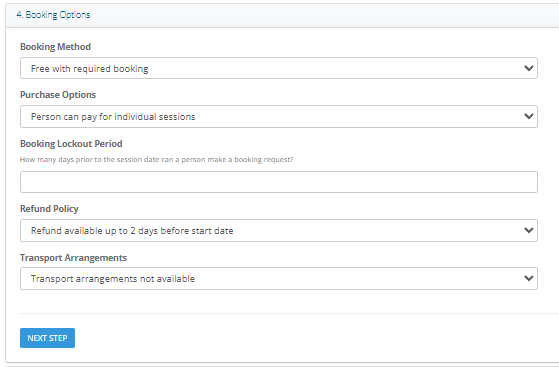
6. Set the Booking Method eg. Free with Required Booking and Person can pay for individual sessions
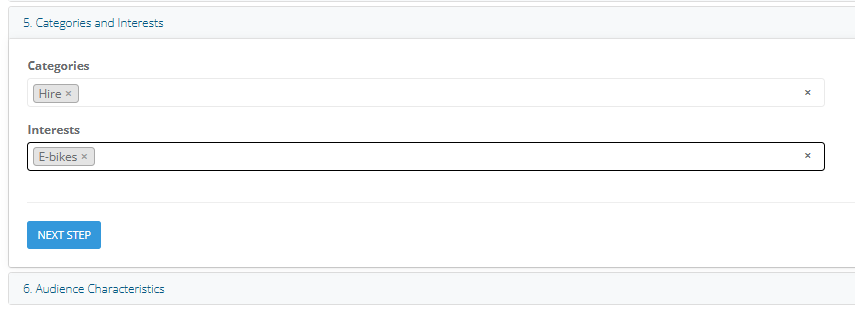
7. Select the Categories and Interests
8. Select Add Activity
9. Go to the Activity Sessions tab
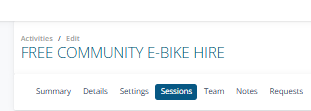
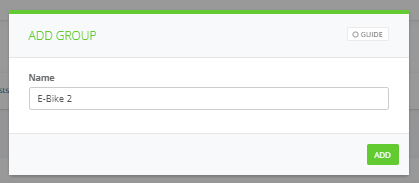
10. Create Session Groups for each E-Bike that can be hired
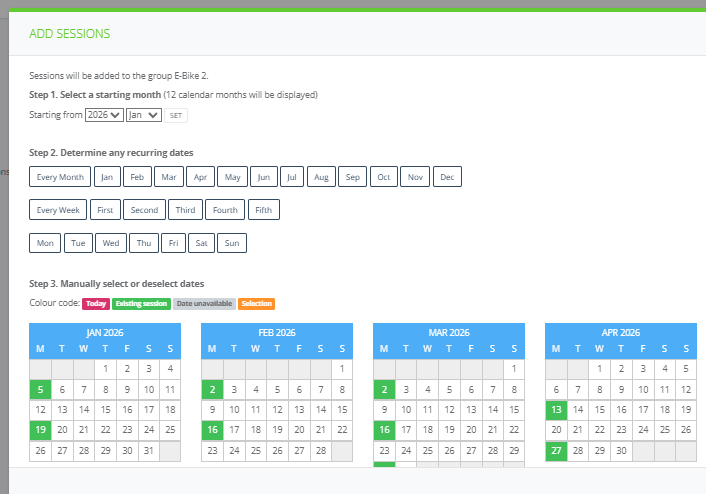
11. Add Sessions and Time
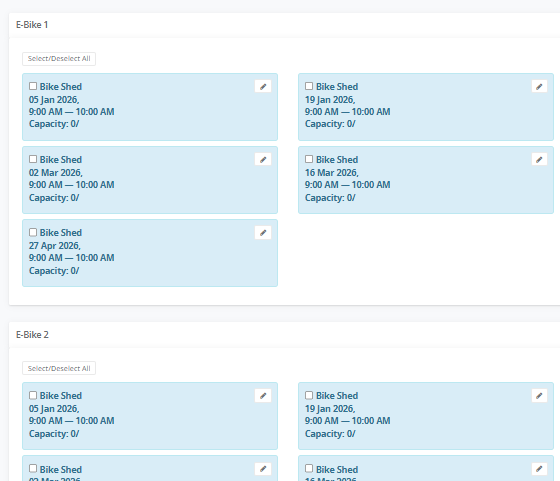
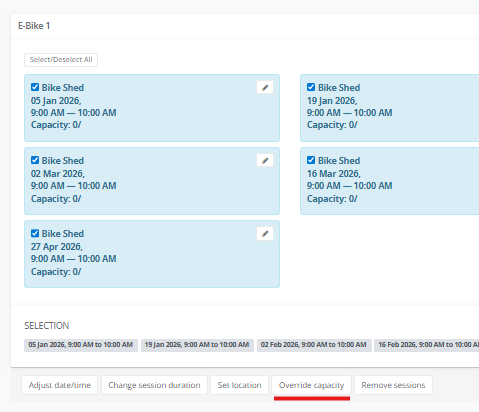
12. Then Select / Deselect All and then In Override Capacity select to 1
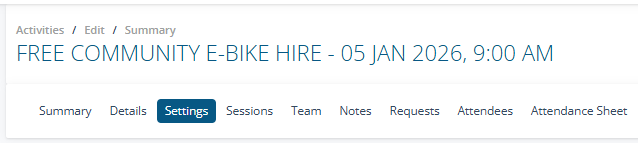
13. Select on Settings and go Edit the Ticket Package
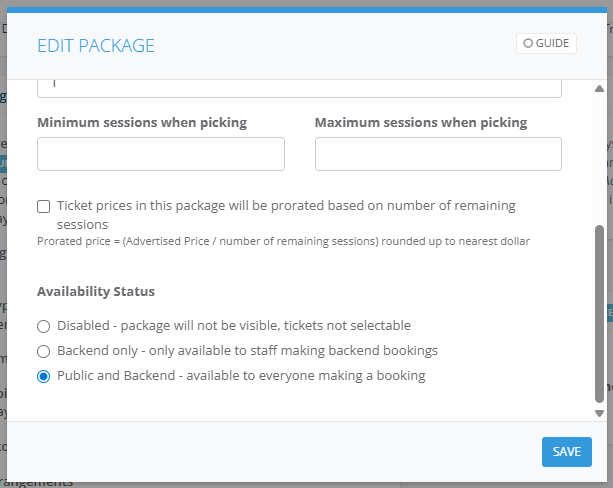
14. In Availability Status select Public and Backend select Save
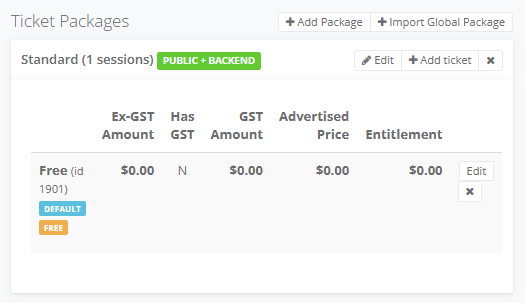
15. Select on the + Add Ticket and click on Ticket type select Free and enter Free in Ticket Name and choose This ticket should be the default selection when making a booking.
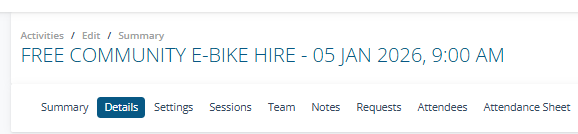
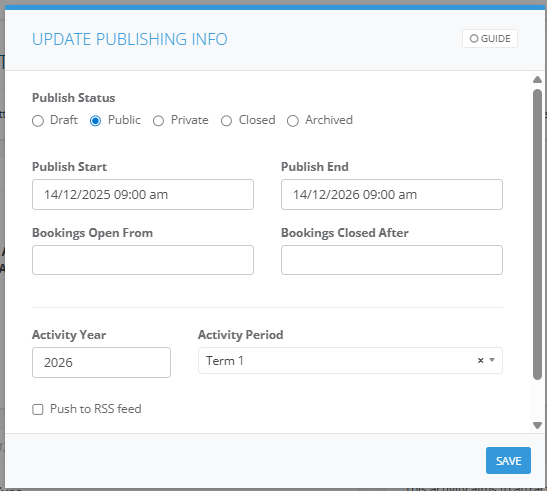
16. Select on Details tab and Edit Publishing. Enter a Publish Start and End Date
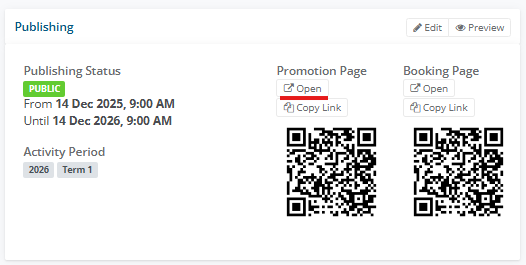
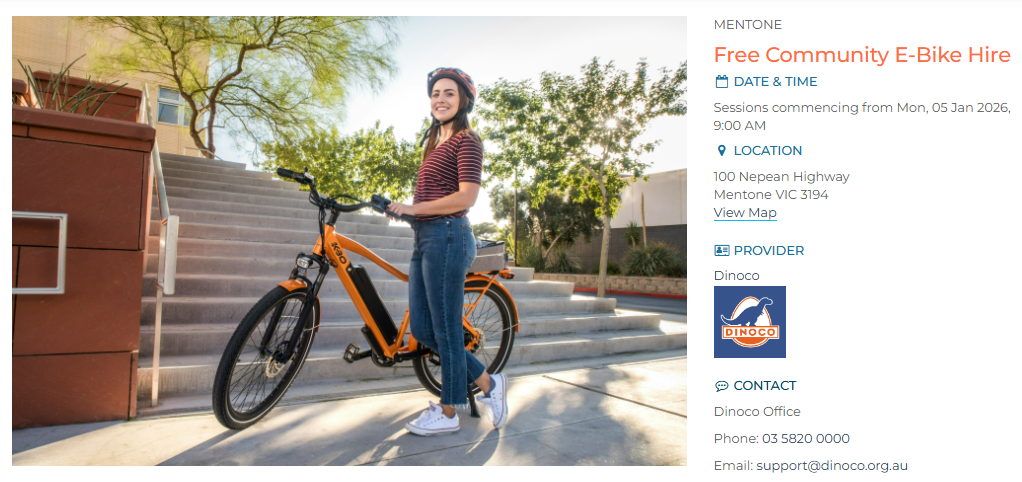
17. Select on Open in the Promotion Page and review
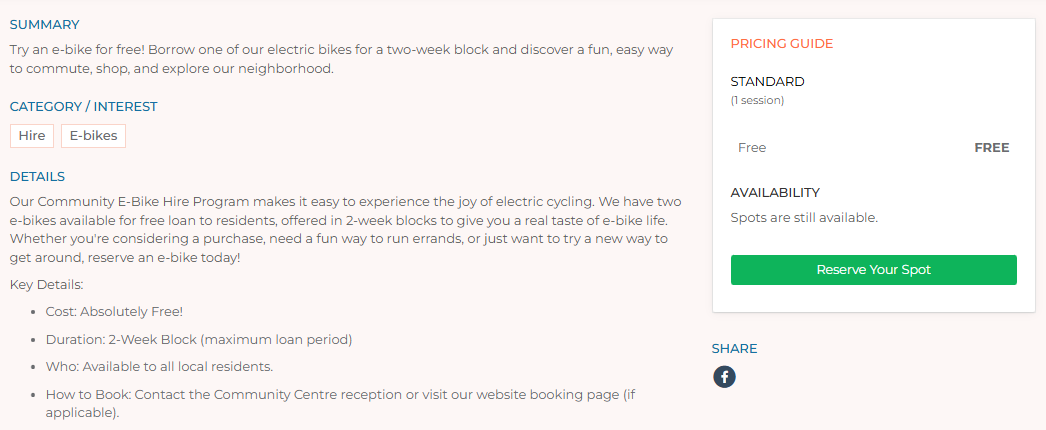
18. For booking a participant selects Reserve Your Spot
19. They enter their First Name, Last Name, Email, Mobile, Suburb and Postcode
20. They select How did you hear about us?
21. They are required to Pick Dates
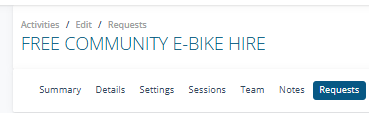
22. To process an online booking go to Requests
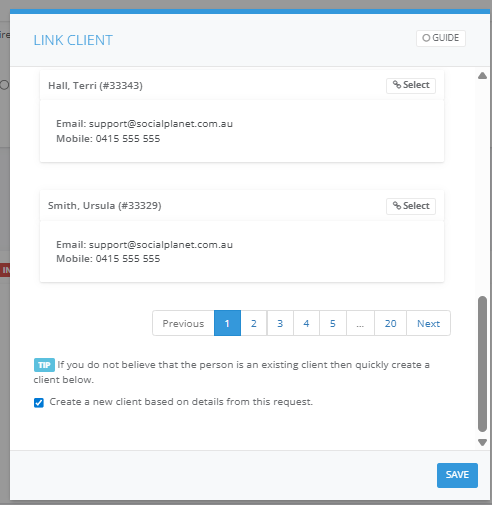
23. Select on not linked
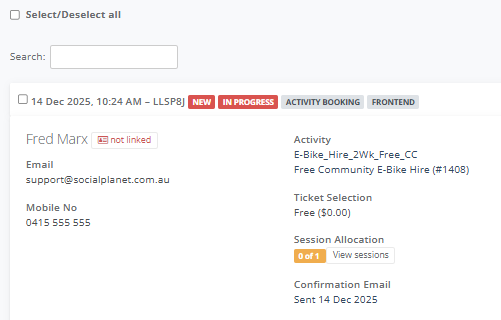
24. If they're new and don't exist on your database select Create a new client based on details from this request