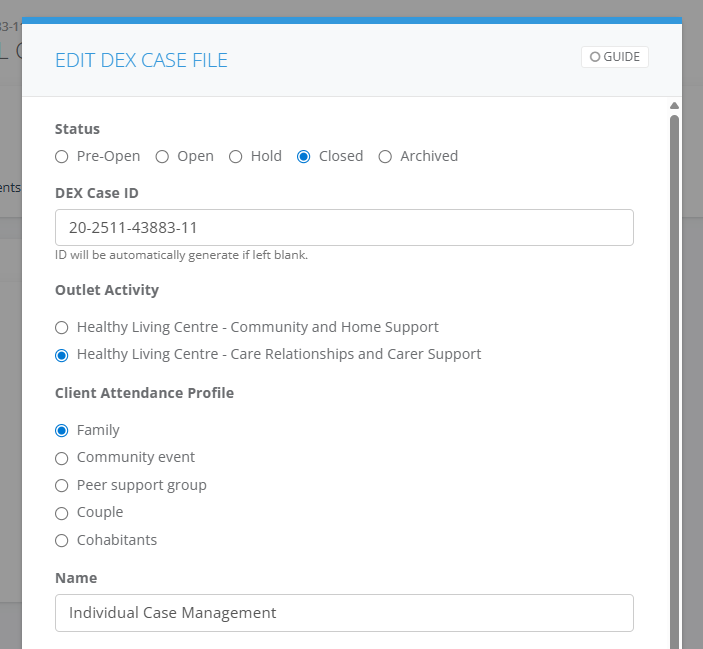
Before changing the case status to Closed, ensure all individuals associated with the case have formally ended their service relationship with this case.
All Clients Must Be Exited: You must first complete the "Exit Client" action for every client attached to the case before proceeding to close the file. See How to exit a client from DEX CM
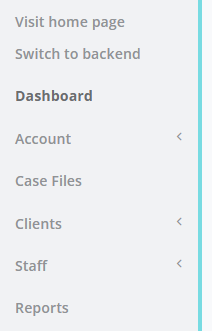
1. Go to DEX CM select on Case Files
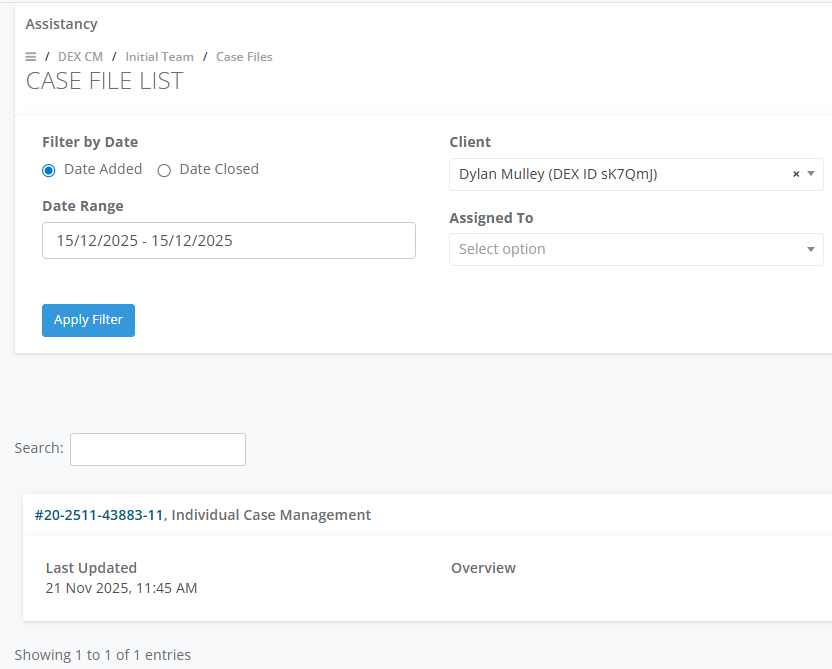
2. Search up the Case File by Client then select Edit
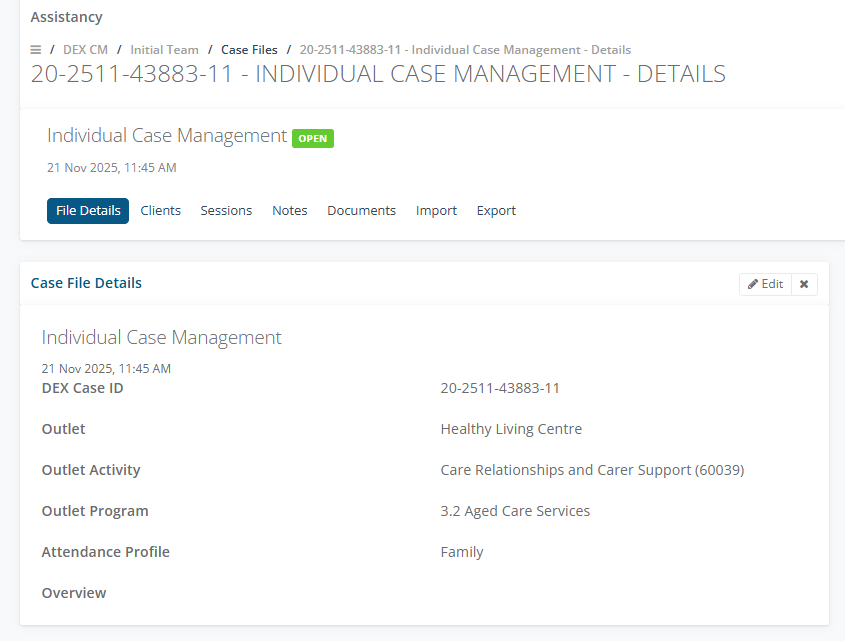
3. In the Case File Details select Edit
4. Select the Closed status in the Edit DEX Case file and Save