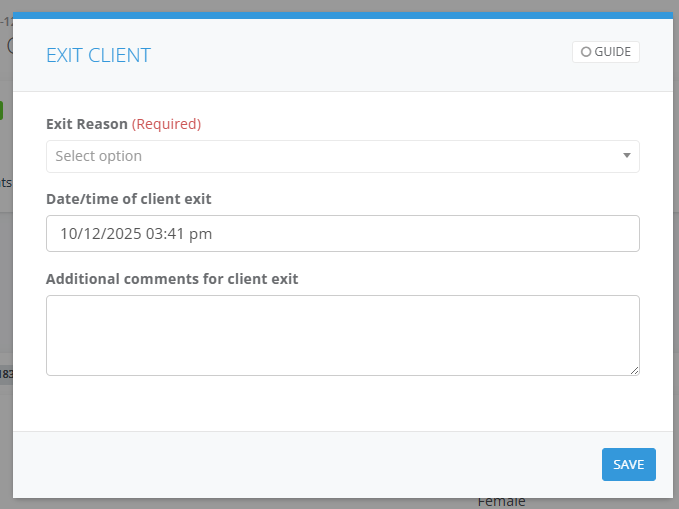
Exiting a client is necessary when an individual will no longer receive services under a specific case, regardless of whether the entire case is complete.
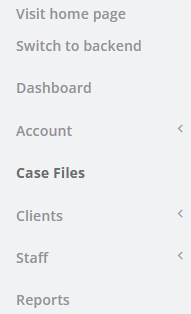
1. Navigate to the Case File
2. Enter the person's name in Client search field and select Apply Filter
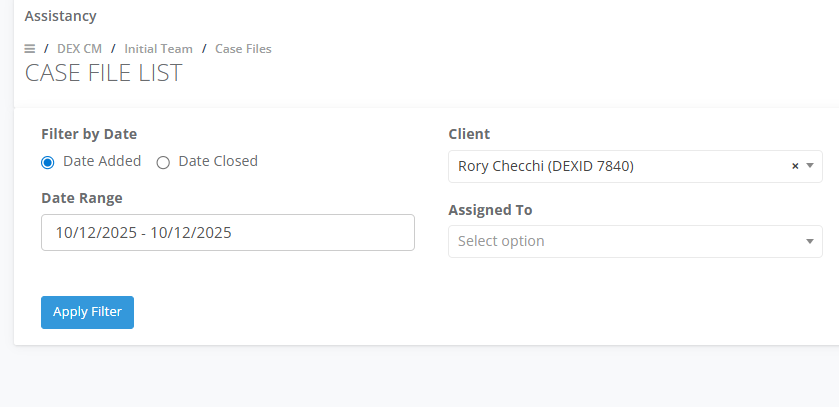
3. Select Edit on the Case file

4. Go to the Clients tab
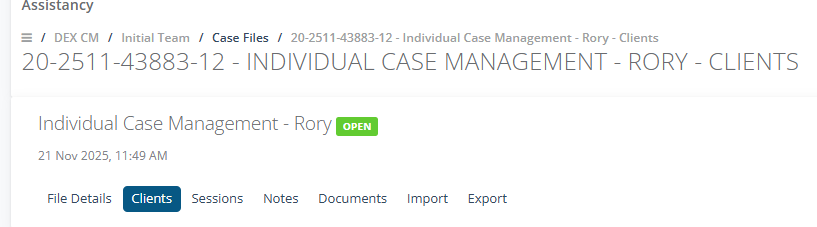
5. Select on Actions then Exit from case file
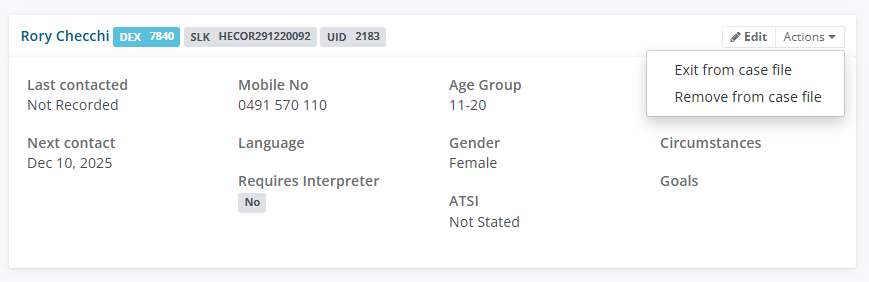
6. Choose the Exit Reason eg. Client no longer requires the service, enter a date/time and comments.