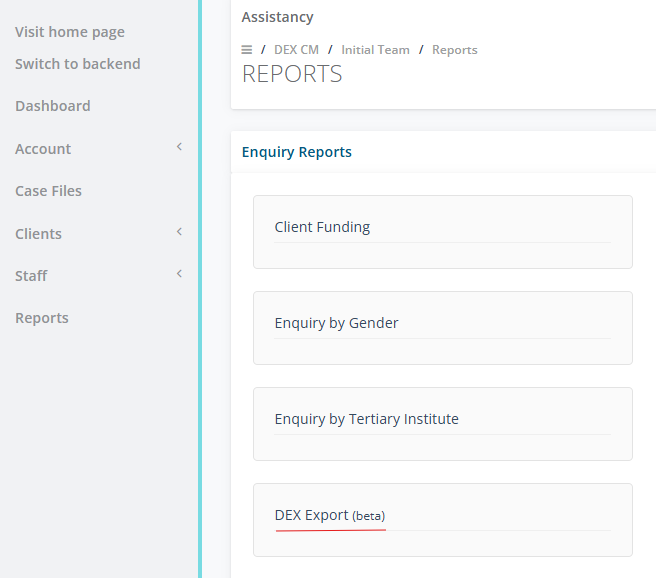
Go to Main Menu, select Reports select on DEX Export (beta)
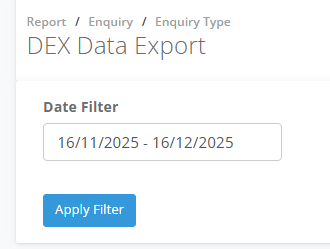
Select on the Date Filter for the reporting period and Apply
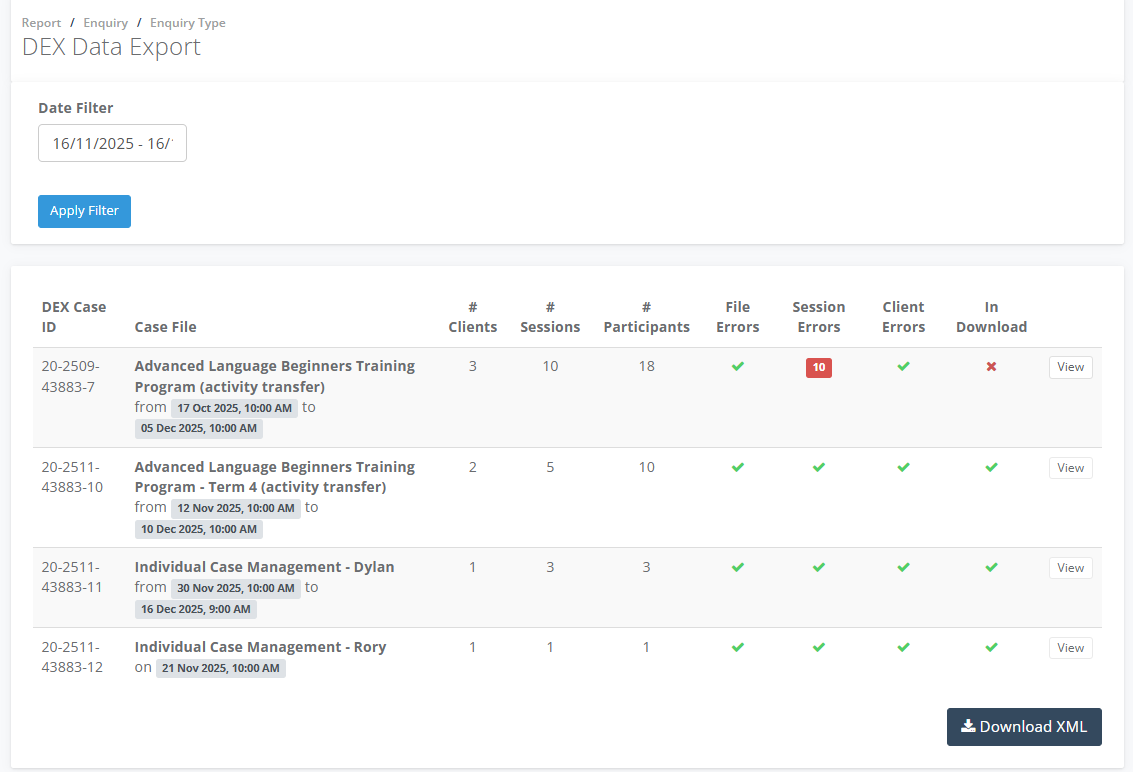
Review your Case files for Errors, ensure each file has green ticks, if there is an x select View
In the Export tab in the Case Sessions click on Fix
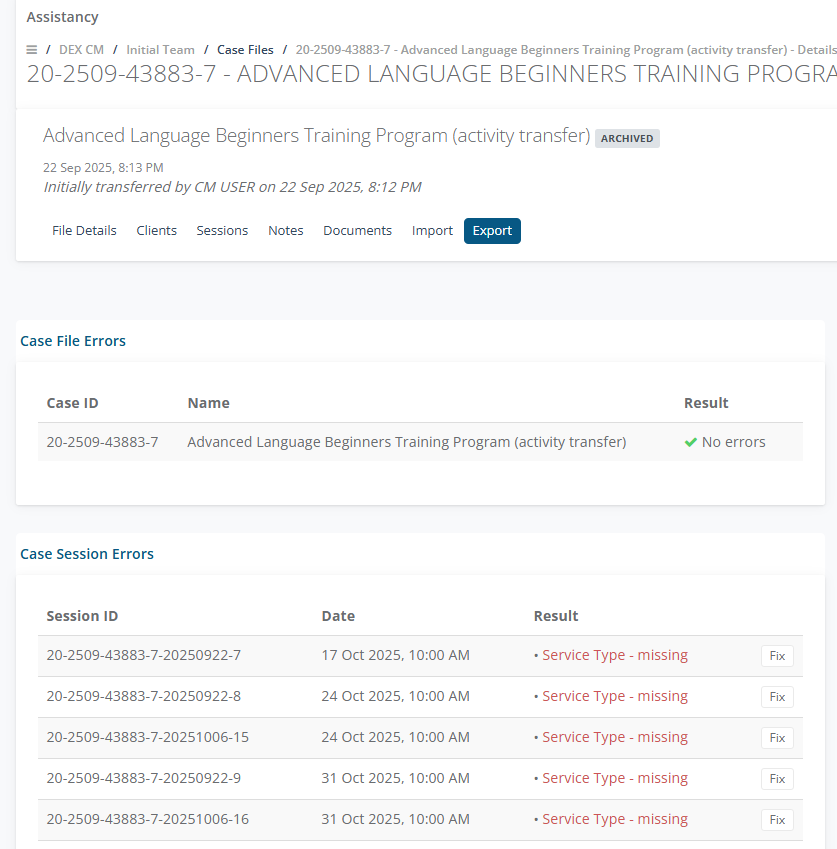
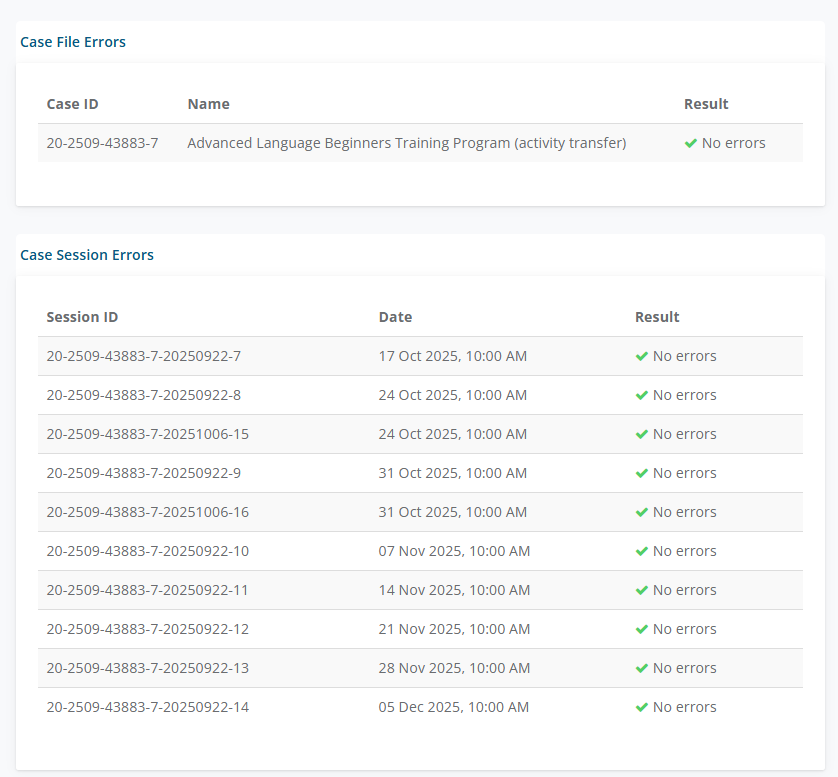
Fix all the Errors to ensure the Case File has Green Ticks.
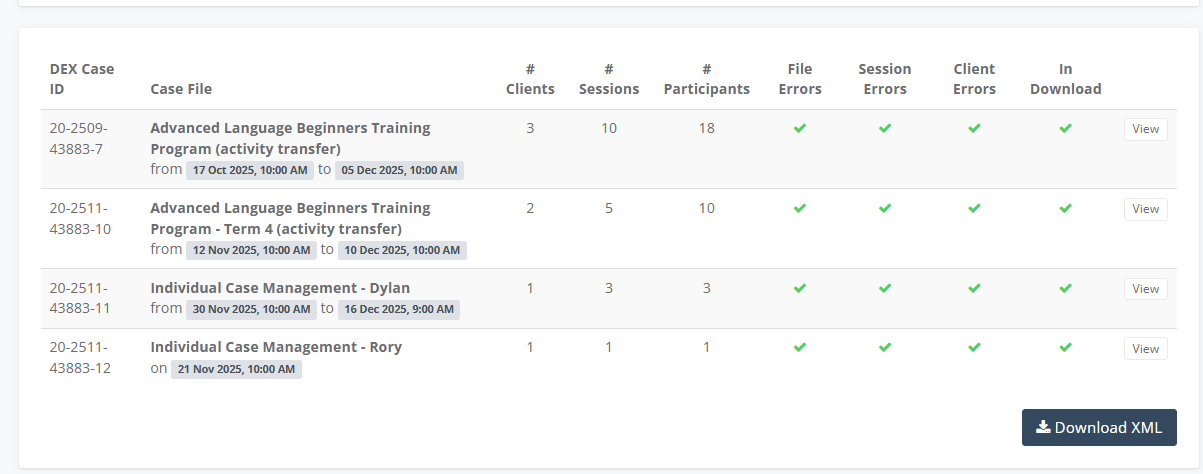
In the DEX Data Report select on Download XML
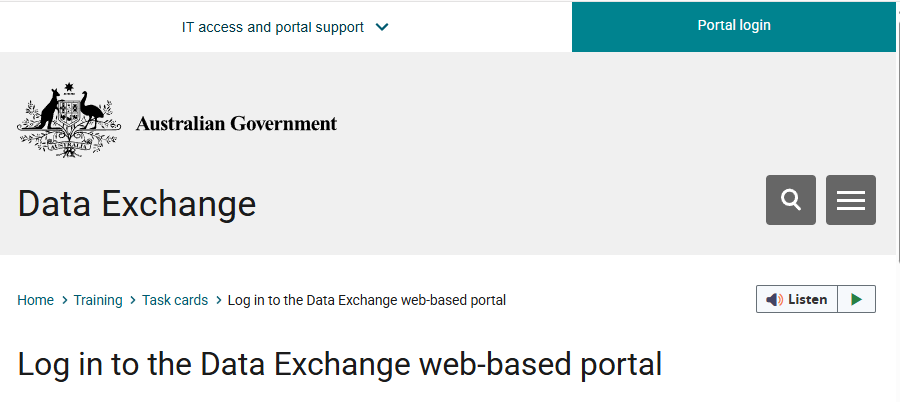
Login to the DEX Portal as an Administrator, login here
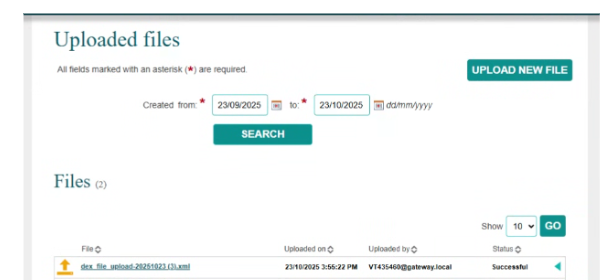
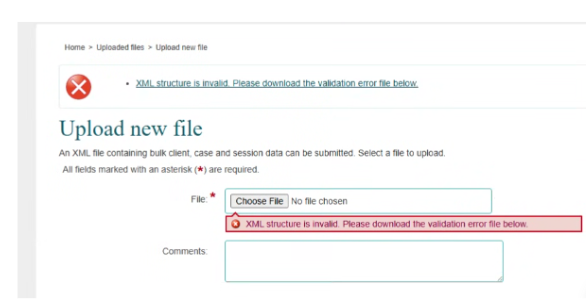
From Home go to Upload Files, if there is a validation error file, download the file and send to support@socialplanet.com.au
If the file is uploaded the status will show Successful