
The Venue Hire Usage Report is a critical tool for cross-checking booking data before raising a monthly venue hire invoice. It allows you to audit usage across specific date ranges to ensure billing accuracy for your clients and entities.
From the Frontdesk, select the Venue Hire menu, select Reports.
Select on Usage Report
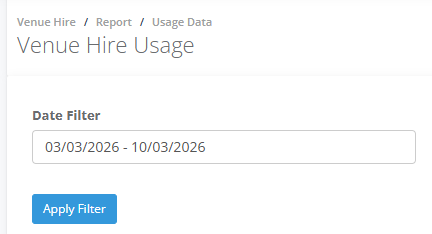
In the Date Filter select the date period and then and Apply Filter
The Usage pane shows
Type identifies if the hirer is an Entity (organization) or Client (individual).
Hire displays the Unique Booking Reference and the venue hire purpose
Session ID is a unique ID for each individual session
Entity / Contact is the name of the organisation and the biller responsible
Site / Space is the specific location (Centre) and the name of the room used.
Start / End is the specific time when the session began and concluded.
Duration is the total time the space was used
Notes displays Session Notes and Hire Notes containing important staff information.
Select the CSV to download the data