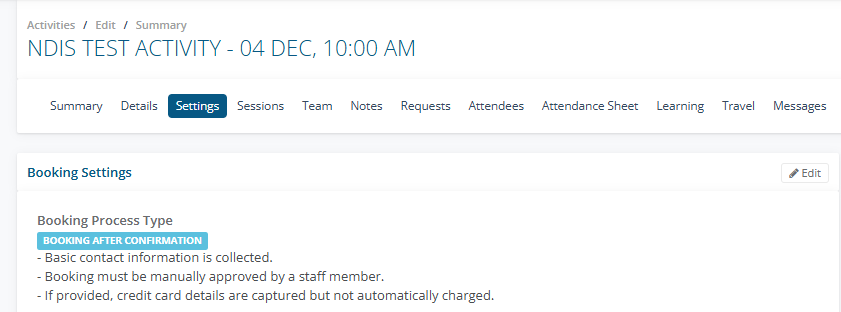
1. Set up the Activity as a Booking After Confirmation see Article
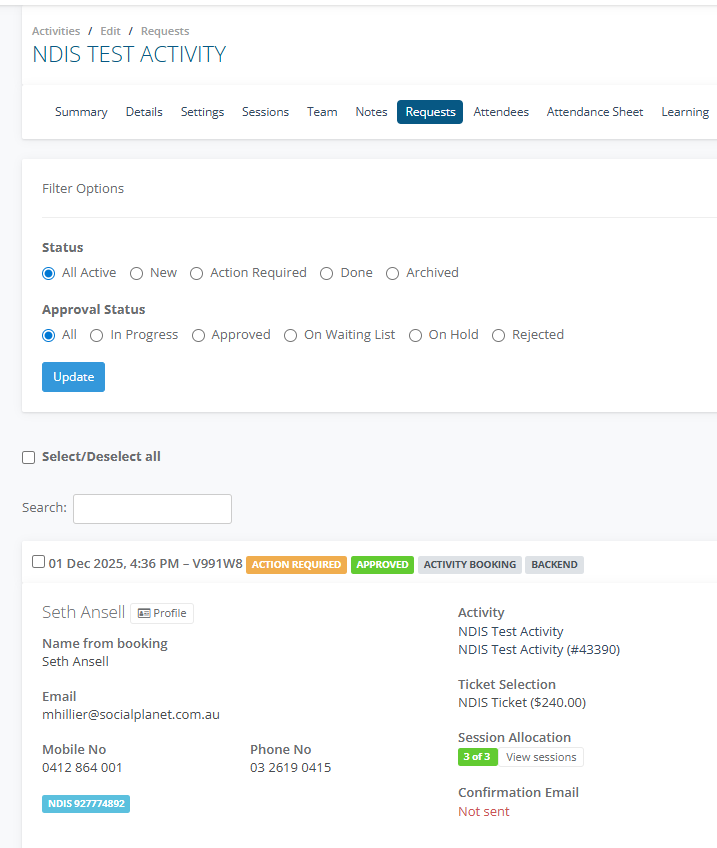
2. Complete a Backend Booking see Article
3. In Session Allocation ensure the person is assigned to all sessions before an invoice is created. Each session a client is allocated to in the booking will appear as a separate invoice item on the invoice. Article
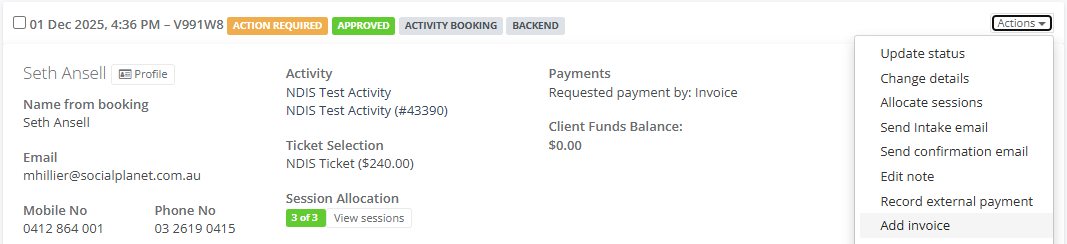
4. In the Client Tile go to Actions > Add Invoice
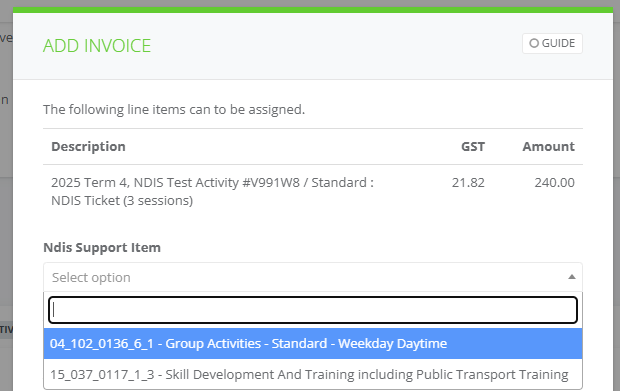
5. In the Add Invoice select the NDIS Support Item, then Assign the Items to a New Invoice. Select Add
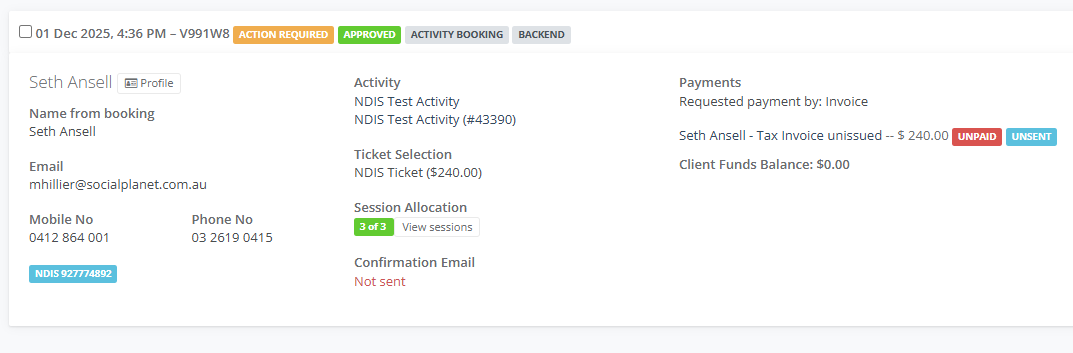
6. The Invoice will be added to the Booking Client tile as Unpaid and Unsent. Select on the Invoice.
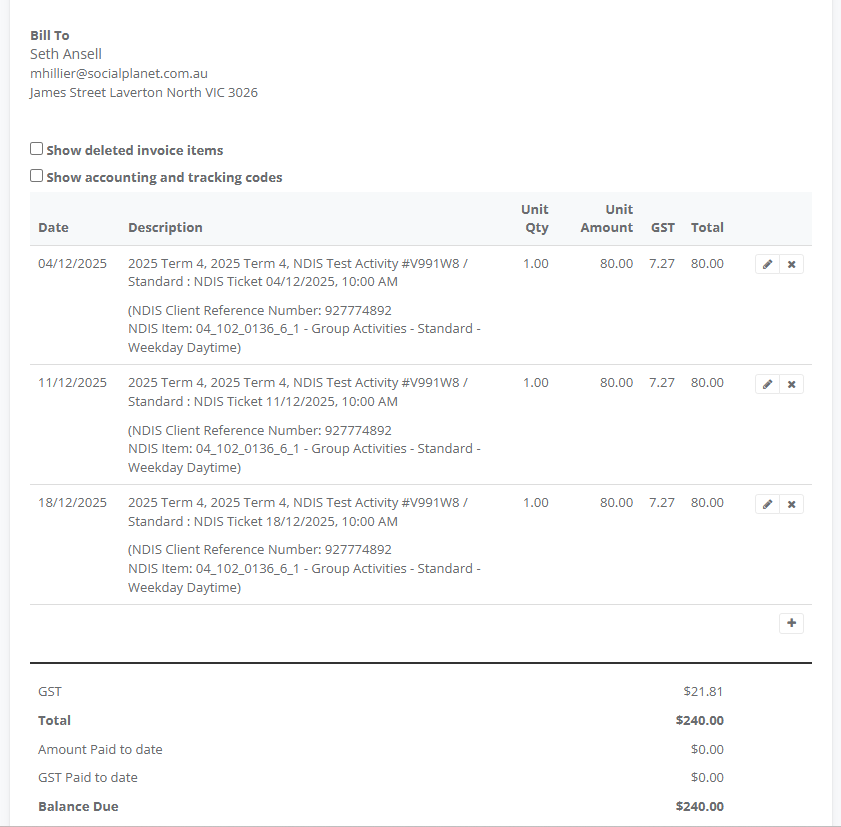
7. The Invoice will display the invoice by the sessions and the NDIS reference number and NDIS Item. The invoice item date will be the date of the session. The description will also include the time.