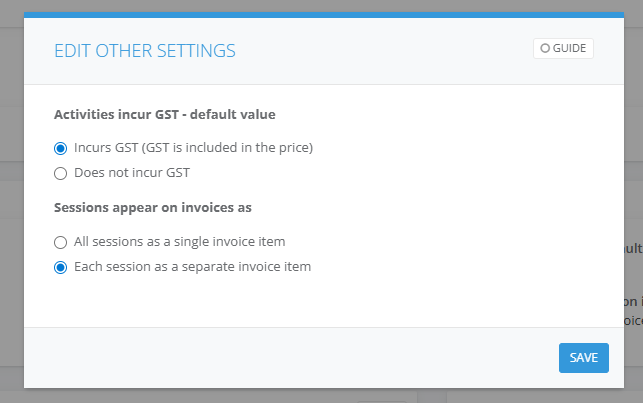
To invoice the NDIS for a participants attendance into a Class. The NDIS item number must be displayed alongside each session date the participant attended showing the quantity and unit amount. You need to configure this setting in Accounts > Finance.
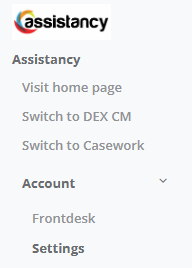
1. Go to Account then Settings
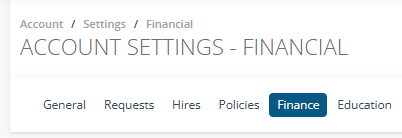
2. Then go to the Finance tab
3. Select Edit the Other Settings pane and select Save