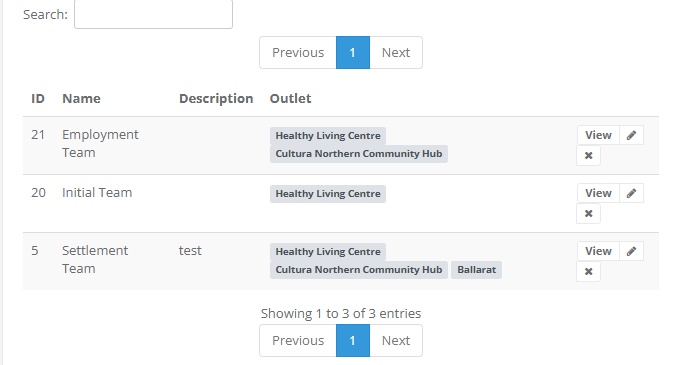
Steps needed to add a staff member into Social Planet, a login into the platform and assigning them to a DEX Case Management Team.
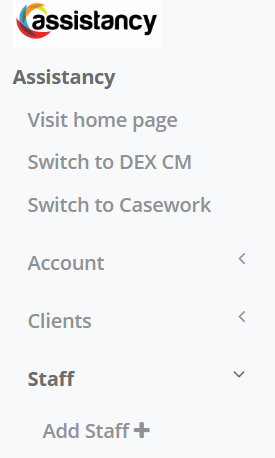
Go to the SaaS platform, then Staff, and Add Staff +
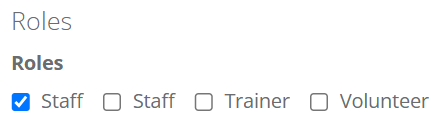
In Roles select Staff
Enter Staff and Contact Information
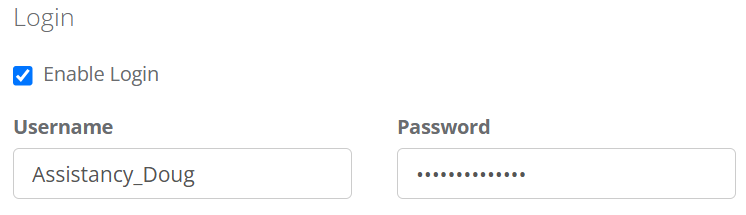
Select Login
Go to Staff then Staff List and Enter Staff Name
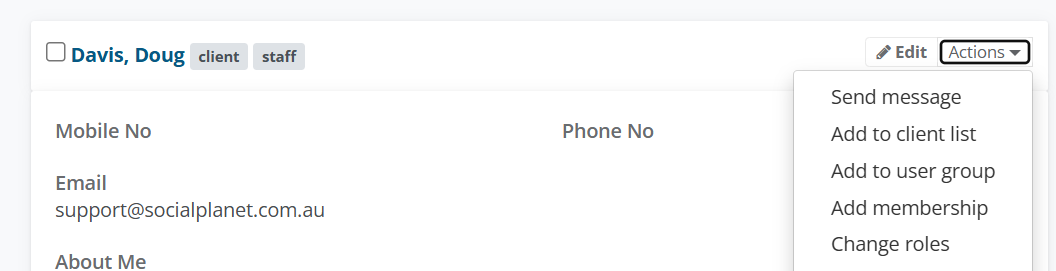
On their Staff Profile tile, select Actions > Change Roles
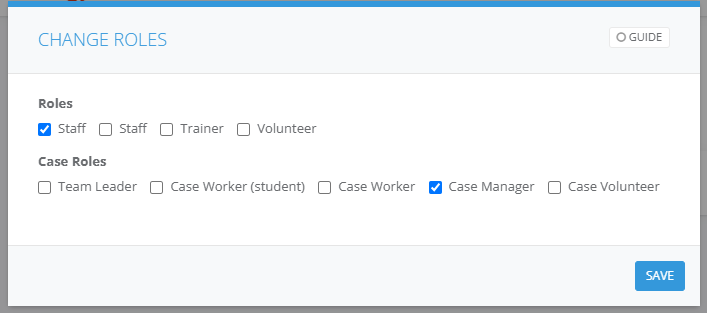
In the Staff Roles window, select Case Manager
GO TO DEX CM
Select Team ie. Initial Team on the Dashboard
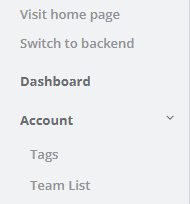
Go to Account then Team
Select on the View icon