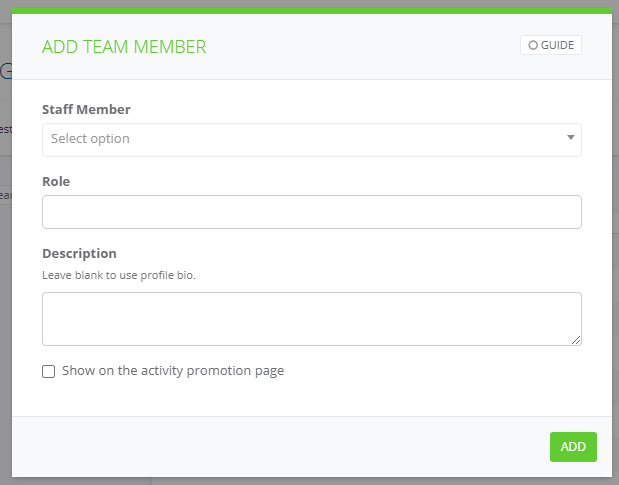
When trainers log in to Social Planet to tick off the Attendance Roll you first need to assign them to their class. You can add more than 1 staff member to the Session Roster.
1. Go to Main Menu then Activities select Current enter the activity name in the Search field
2. Select edit on the Activity Tile
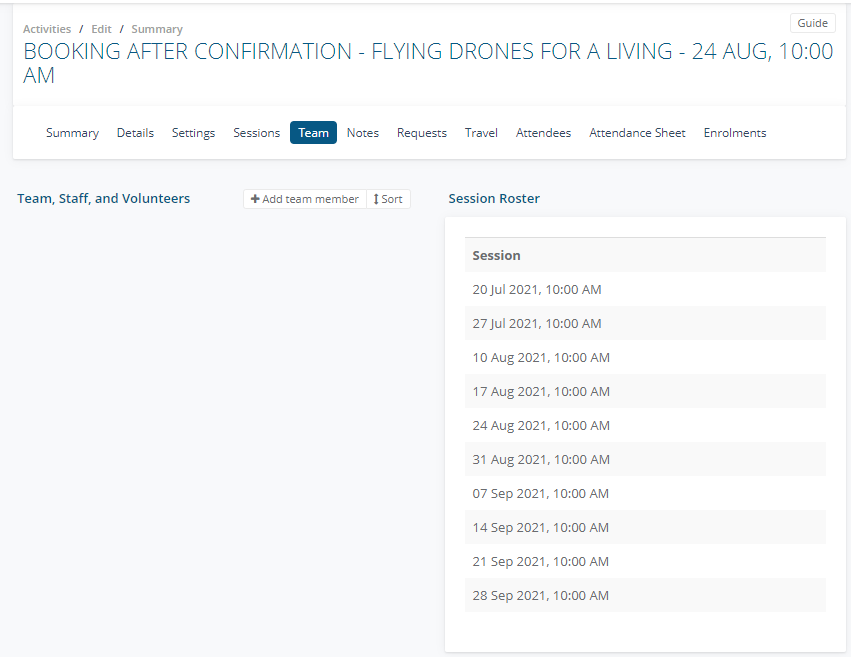
3. Go to the Team tab and select + Add team member
4. From the Staff Member List select the trainer, enter a Role ie. Staff, tick Show on the activity promotion page and select Add