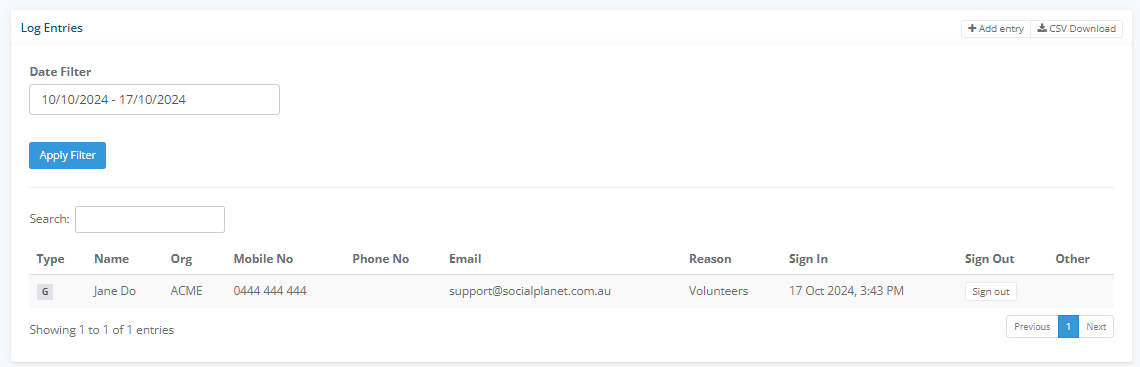
Social Planet collects the contact details of each visitor to your neighbourhood house, stored as a CSV file. This data can inform you how many visitors your centre has on a daily, weekly or monthly basis, allowing you to measure participation trends. Another benefit is enabling visitors to join your mailing list, which can be migrated directly from MailChimp to CSV.
From the Frontdesk, head to the Account header, select Sign-In Log.
Click +Add sign-in log. This will open the Add Sign In Log window. Here, you can add –
Sign-in Log Type
Name
Description
Greeting Message
Checkbox - Show company/org field
- Checkbox - Show Reasons
- Checkbox - Show Newsletter Opt
- Checkbox - Force Sign Out at End of Day
- Checkbox - Allow sign out using contact info
Checkbox - Send email to person on successful sign in
Default view for restricted log
Show access code form - use if you assign users with a code.
Show manual entry form
Click Add.

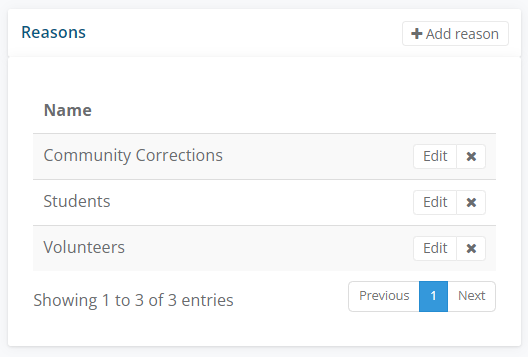
4. Click +Add reason on the Reasons panel to Add Log Reason, such as Staff Member, Volunteer, Centre Participant and Visiting Professional.
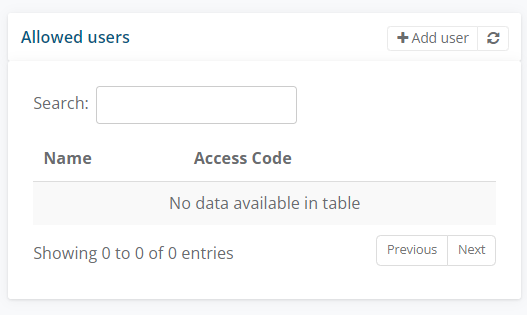
5. If you want to assign regular visitors with an Access Code. Select + Add user
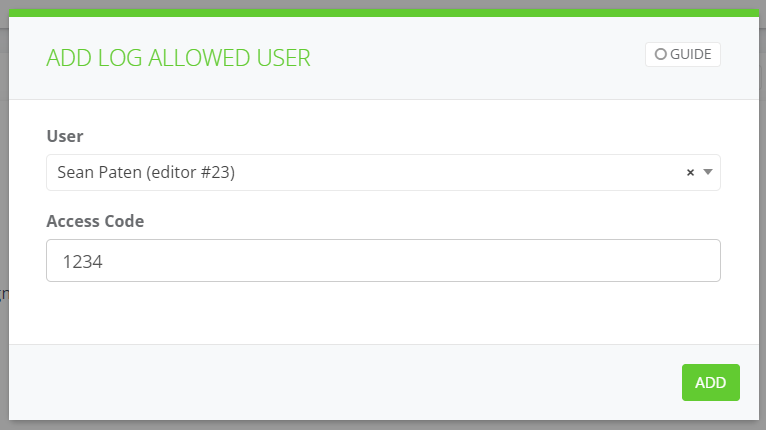
6. In the Add Log Allowed User, search for user and apply an Access Code
7. To put the Sign In log on to a tablet ie iPad, copy the url, paste into a browser (Chrome / Safari) and enter the password.
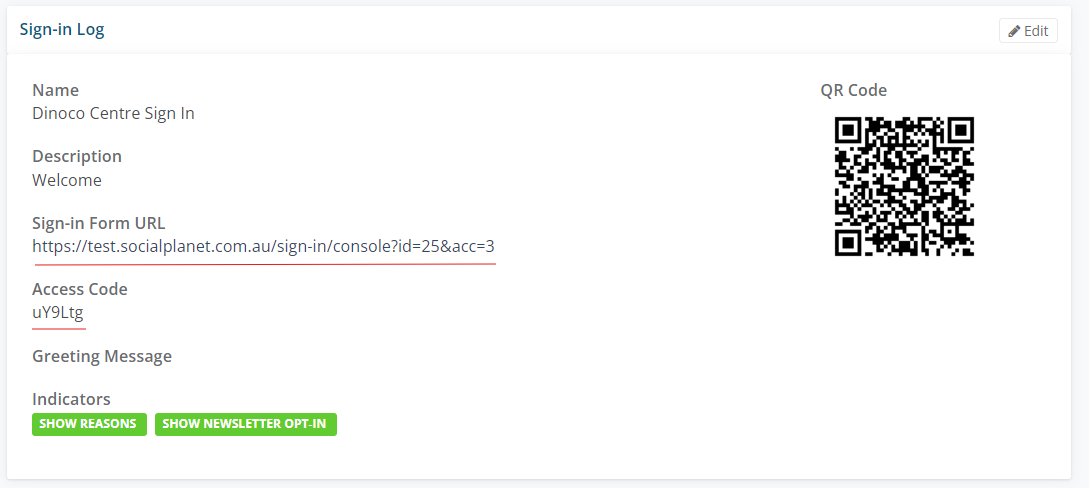
8. Alternatively select on the QR code and copy to a word document, print and display.
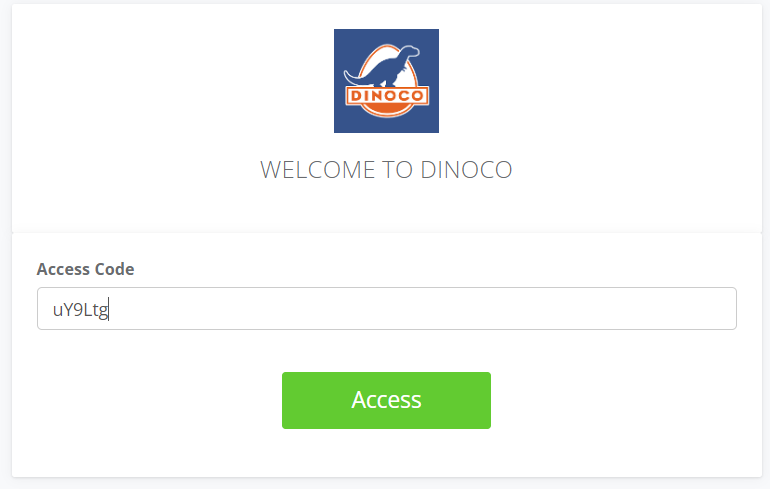
9. If you select on the Sign-in Form URL, enter the Access Code
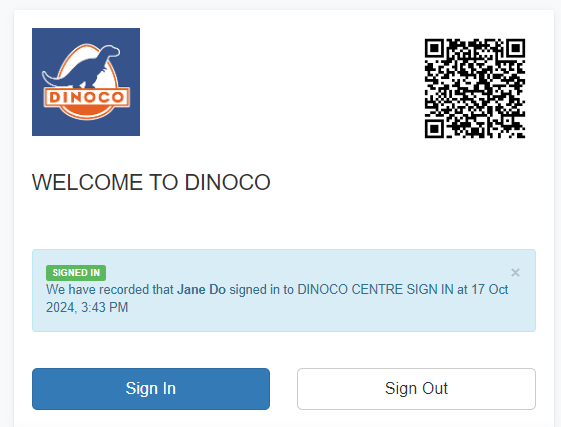
10. Visitor signs in.
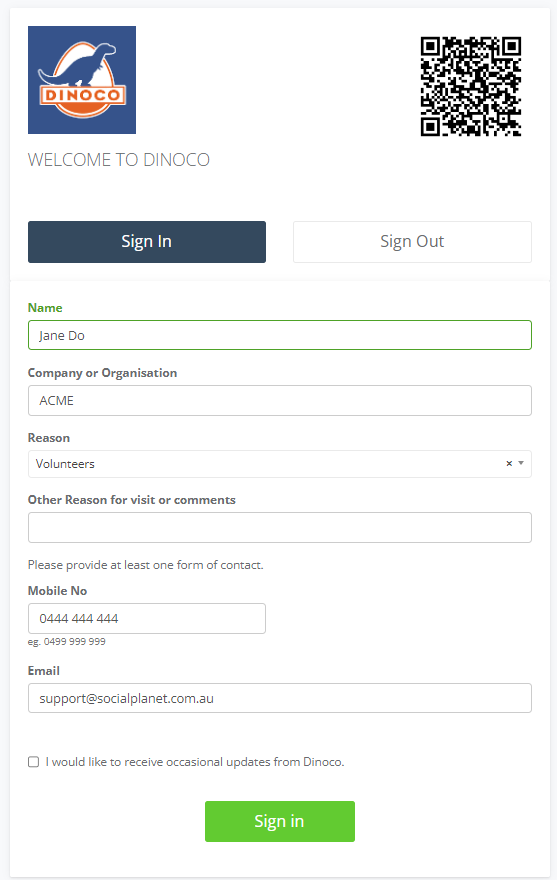
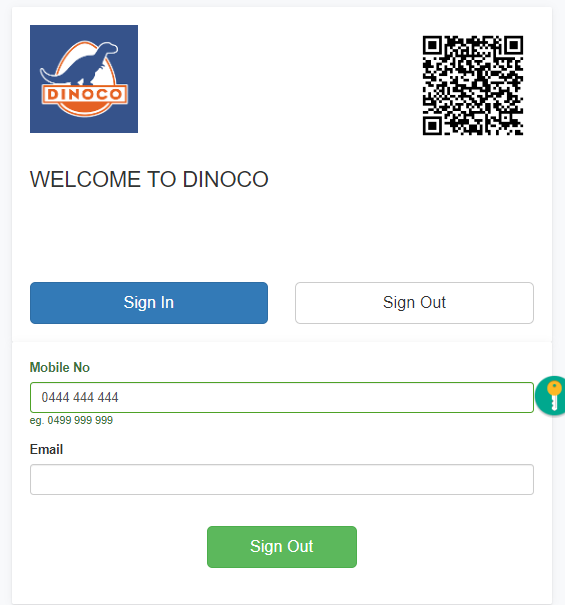
11. Signs Out using mobile
12. Visitors will be added to the Log Entries panel. Click CSV Download if you need to download the log as an excel file.