
The Current Requests view is your centralized hub for reviewing and managing all online and backend bookings. This tool is particularly valuable during peak periods, such as the start of a term, when your center must process a high volume of intake requests
1. From the Frontdesk, go to Requests and select Current.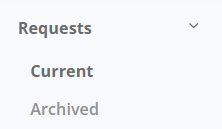
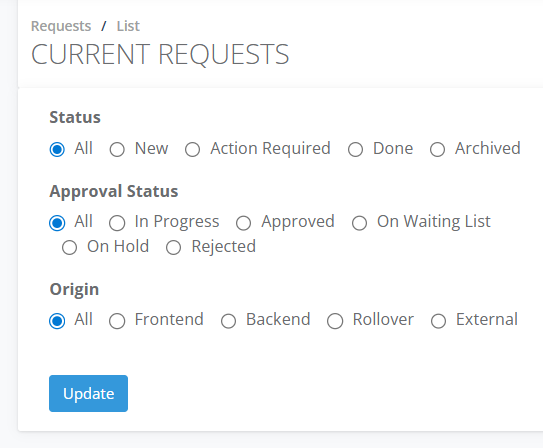
2. Filter Request by different Status - See Help Desk Article
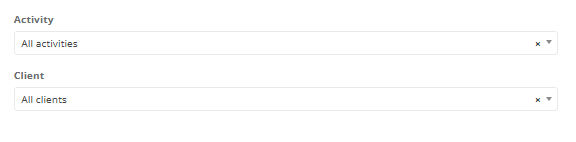
3. Requests can be filtered by Client or Activity.
4. To find recently booked clients, select New and then Update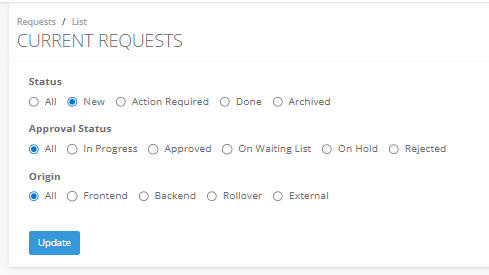
5. From the client tile, select Actions you can complete all the required actions to process the booking such as –
Linking a client booking to a profile
Allocating sessions
Adding invoices
