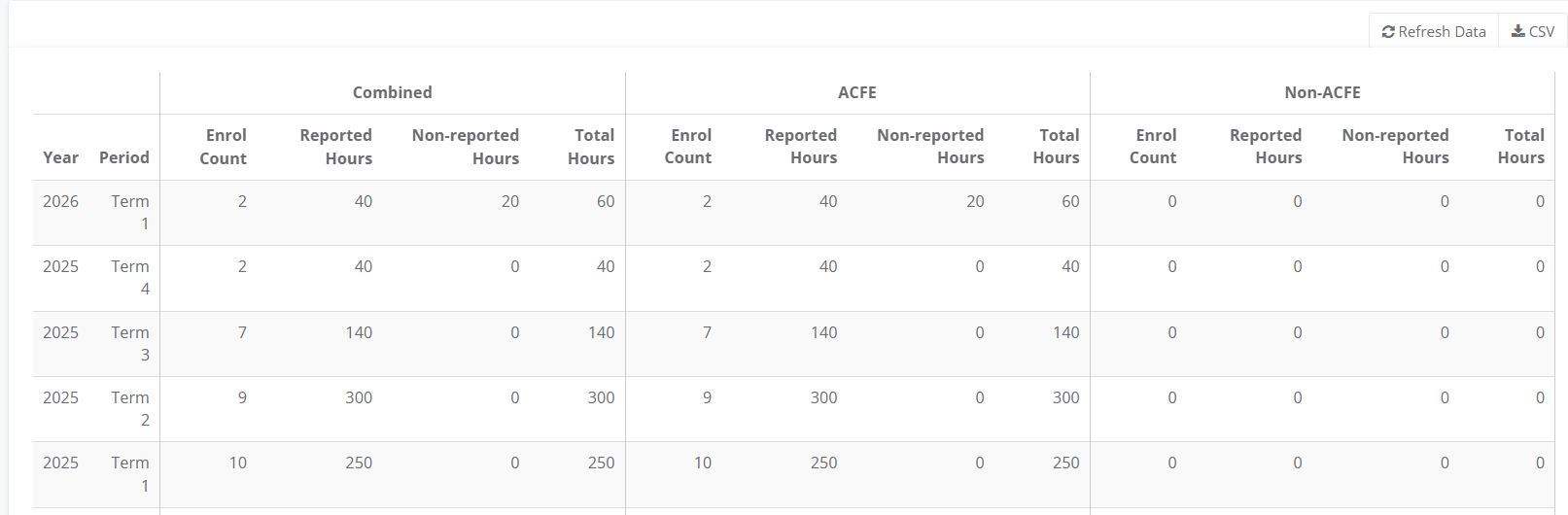
The Progress 3 report shows the combined ACFE and non-ACFE* hours delivered across the year.
It's useful to compare the Enrolment Count, Reported Hours, Non-reported Hours and Total Hours of your ACFE funded and Fee for Service Programs.
*To generate Non-ACFE hours, the class requires a Subject Unit linked and for the Unit to be set to No for AVETMISS reporting
1.Go to Main Menu select Education then Reports select Progress Hours 3 – Summary
2. Use the Refresh Data or CSV to download the file.
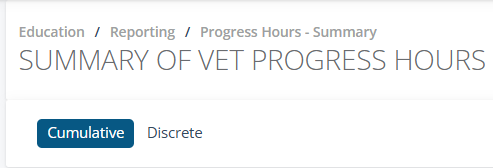
3. Choose between the Cumulative and Discrete tabs
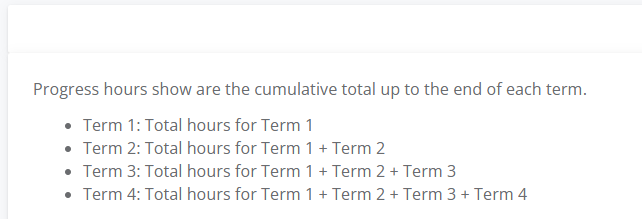
4. The Cumulative tab shows.
5. The table shows Combined, ACFE and Non-ACFE courses by enrolment count, reported hours, non-reported hours and total hours.
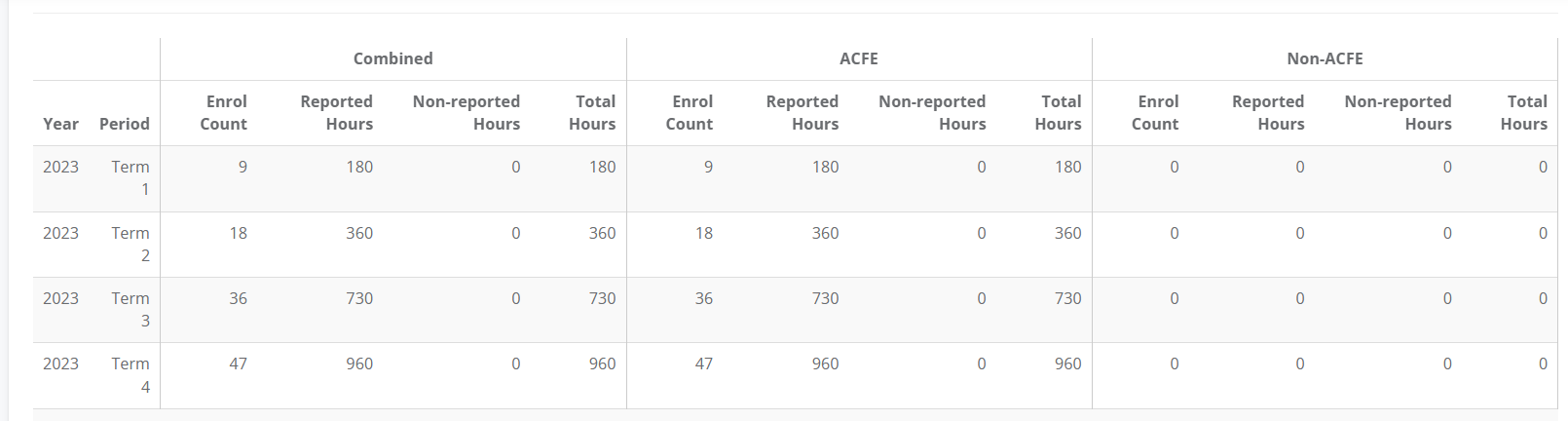
6. When Discrete tab shows Enrol Count, Reported Hours, Non-reported Hours and Total Hours by the Term.